One tool I had missed from Windows days is TortoiseSVN which integrated svn commands into Windows explorer. Often the command line is quick and easy to use, but if I want to check in a subset of changed files I find the GUI way quicker.
In Linux it was all command line until I came across nautilus-script-collection-svn in the Ubuntu repositories which adds a menu on right click to perform subversion commands. In Ubuntu 8.10 also need to issue the following at the command line:
nautilus-script-manager enable Subversion
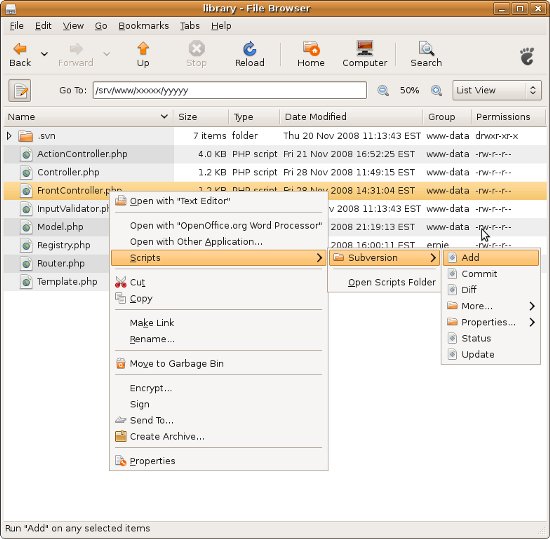
There is no visual highlighting of changed files etc in Nautilus like you get in TortoiseSVN.